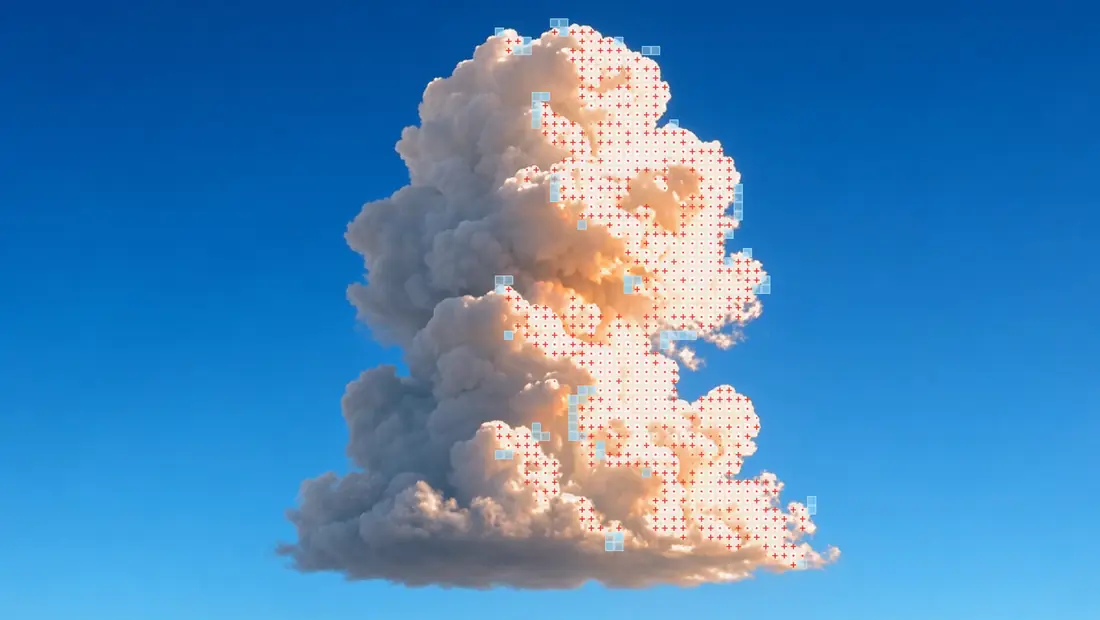
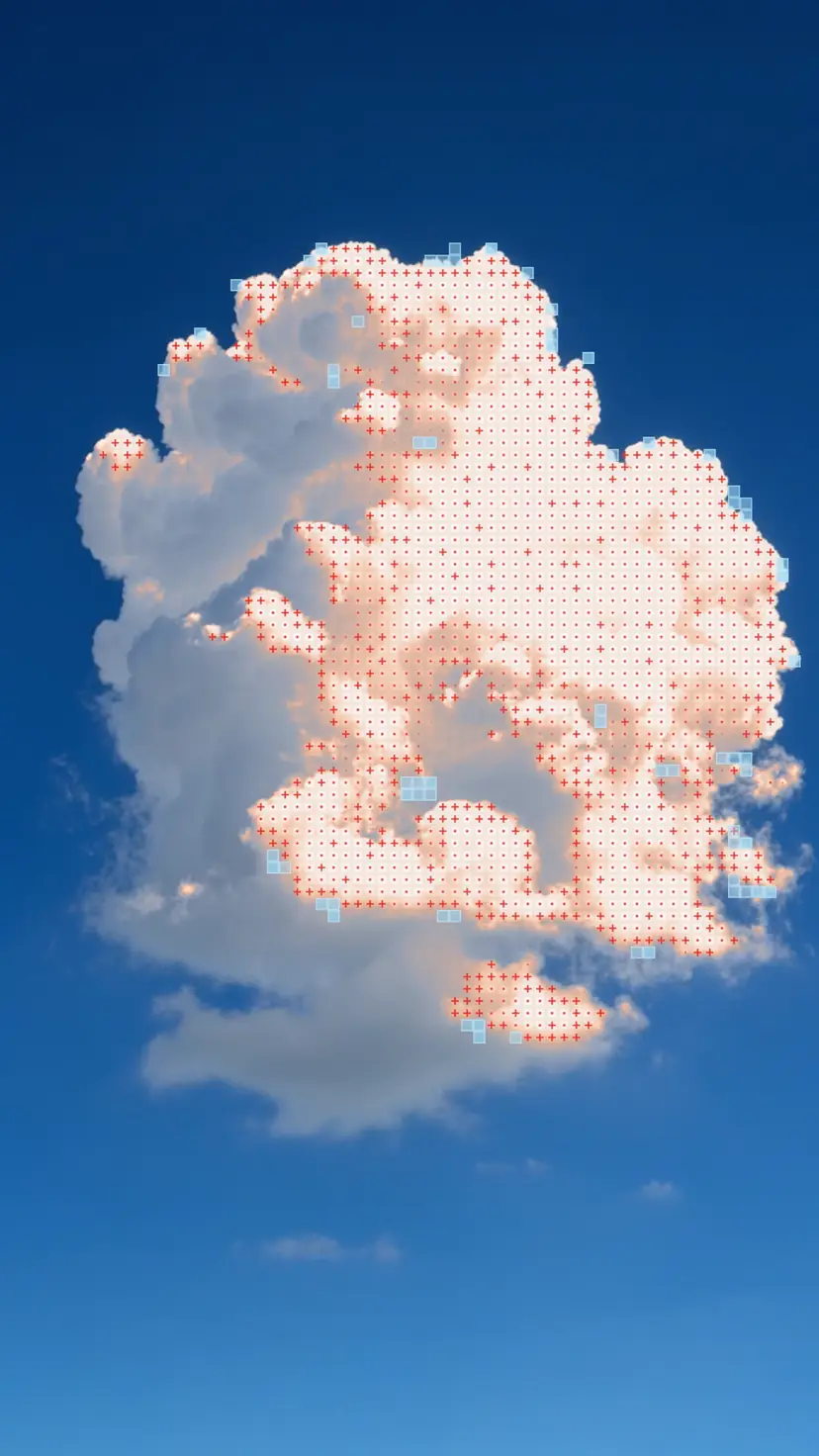
The cloud above came out of Grok Imagine. I generated it for this post in a wide take and a tall one, along with a sheet of apricot silk on black. Then I ran all three through Motion Mosaic, a free browser tool that finds what moves in a video and draws over it on a cell grid.
It compares each frame with the one before. Movement leaves a trail that fades over time, and a tracker follows up to eight moving blobs. The luma gate picks out the subject by tone, and the mask gate sets what gets drawn: the subject plus its motion, the trail alone or boxes around the blobs.
All three clips share one look. Subject glow, one of six shading styles, recolors the subject: the lit side turns to peach cells with a red dot in each and + marks along its edges, and pale blue tiles step off the outline. The shaded side falls below the luma gate, so it stays as video.

Straight from Grok Imagine on top, after the pass below. Between clips I changed only the luma gate. On the wide cloud I raised it to 0.73, so the hazy band over the horizon stays plain sky.
The silk needed the opposite. At the cloud's setting only its sheen keyed, and the tiles lined the highlights inside the fabric. At 0.28 the whole sheet keys except its shaded folds, and the tiles step off its outline into the black.

Marks re-roll on the clip's own time, twelve times a second, so each glyph holds for a beat. Stabilise camera fits zoom, rotation and shift between frames, which keeps a handheld shake from counting as motion.
Drop in an MP4, WebM or MOV, paste a video, use your camera or try one of five open-source tester clips. Export encodes the video or saves one frame as PNG. It all runs on your machine in WebGL2. Nothing uploads. Motion Mosaic is live. Of its seven looks, start with Bioluminescent on the Jellyfish clip.