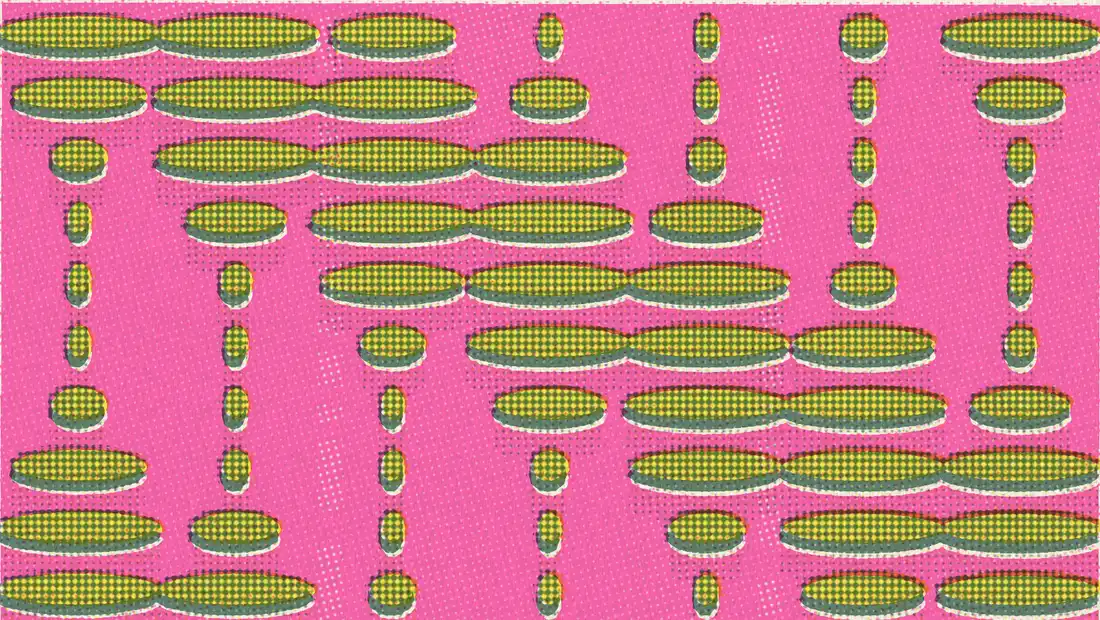
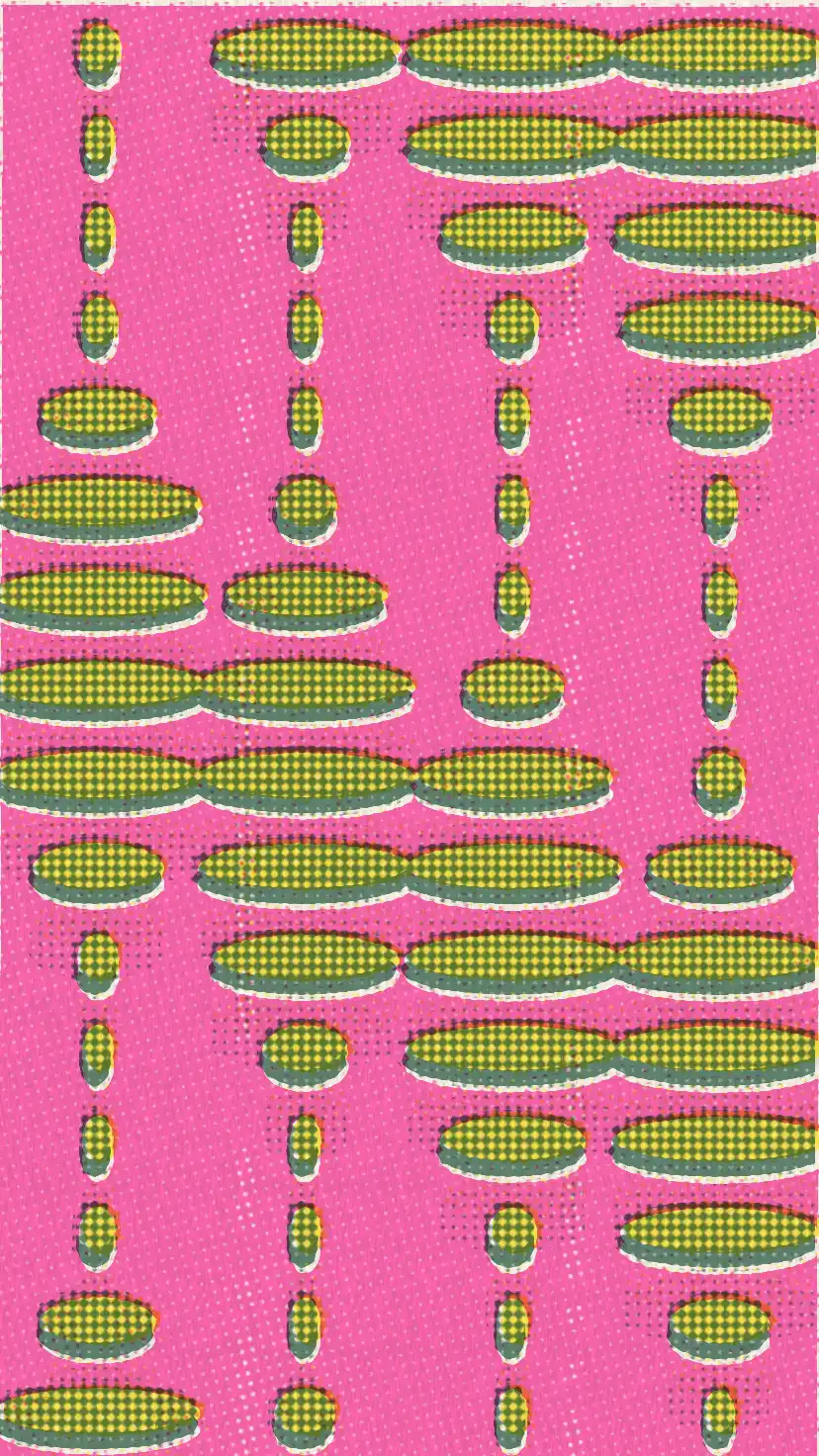
The four loops above started as clean vectors in Cavalry. Riso Maker gave them the riso look: three or four inks per loop, halftone dots, and a registration that never quite settles. It is a free tool that runs in the browser, and it turns any video into a moving risograph.
A risograph can only print with the inks loaded in its drums, so the tool starts there. Pick up to four of the 28 real Riso colors and it solves how much of each ink every pixel needs, the same way translucent layers stack on real paper. Colors the inks cannot reach drop out of the print. That is why, in the clip below, the sunlit paddock stays mostly paper while the fur soaks up pink.

Straight from the camera on top, after the pass below: four seconds of alpacas from my phone. I raised the ink gain to 1.35 for that clip; at the default 1 the overexposed field printed too thin.
Motion holds at 12 frames per second and every frame is reprinted from scratch: the layers drift, the grain rerolls. That wobble is what makes duplicator animations feel handmade. If you want something else there are 8 and 6 fps stops or the native frame rate, four screen shapes, four papers, and sliders for misregistration, dot gain, ink clouds, grime, ghosting and tire tracks. I drew the two loops below in Cavalry as clean vectors, then dropped them into Riso Maker.


Export happens entirely on your machine: WebCodecs decodes the clip, the GPU prints every frame at preview resolution, and the MP4 you save matches what you watched, pixel for pixel. Nothing uploads anywhere. Riso Maker is live. Drop a clip in.