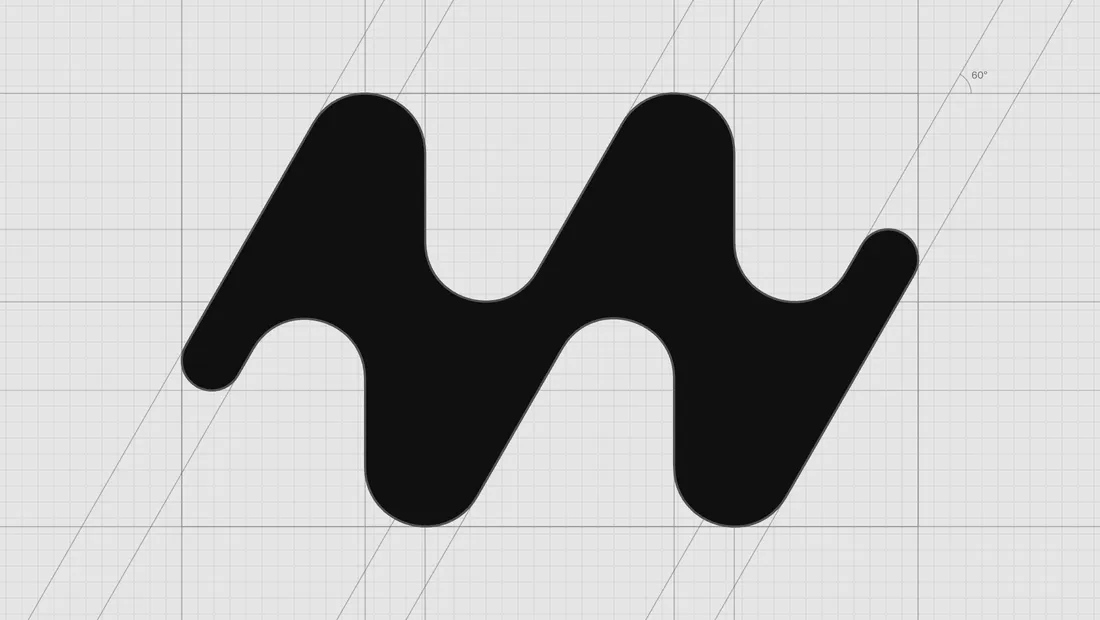
The mark at the top is a pasted SVG on Kurve’s construction grid: one path, 32 nodes, nothing else on the board. Kurve is a Bézier studio I built for the marks I draw most, the ones that have to hold at favicon size and on a wall. It runs in the browser and it is free.
Drawing starts with the pen. Every new point gets a ghost handle at 55 percent of the way to the apex of its triangle, the length that makes a quarter circle, so three clicks around a bowl land close to round before I drag anything. The two Fit Curve sliders show that percentage for each handle, and I can type a value into them.
Press C and a curvature comb grows out of the outline. Where the teeth jump, the curve has a kink I would otherwise notice at poster size. The path doctor lists the same problems in words: crossed handles, a straight segment carrying handles, a duplicate point, an extremum sitting off its axis. Fix all applies the safe ones and keeps a fix only when the issue count goes down.
Type comes in as outlines from a font file, a font installed on your machine, or one of ten open fonts I picked. From there the shape tools take over: unite and subtract, offset, expand a stroke, round a corner live, cut an ink trap, or drag the middle of a segment to mould it. Counters stay holes on export.
Paste from Illustrator or drop an SVG and the paths arrive with their transforms flattened. Export writes the outline back as SVG at the precision you choose, or as PNG, and nothing you draw leaves your machine. Kurve is live. Press ? for the shortcuts.